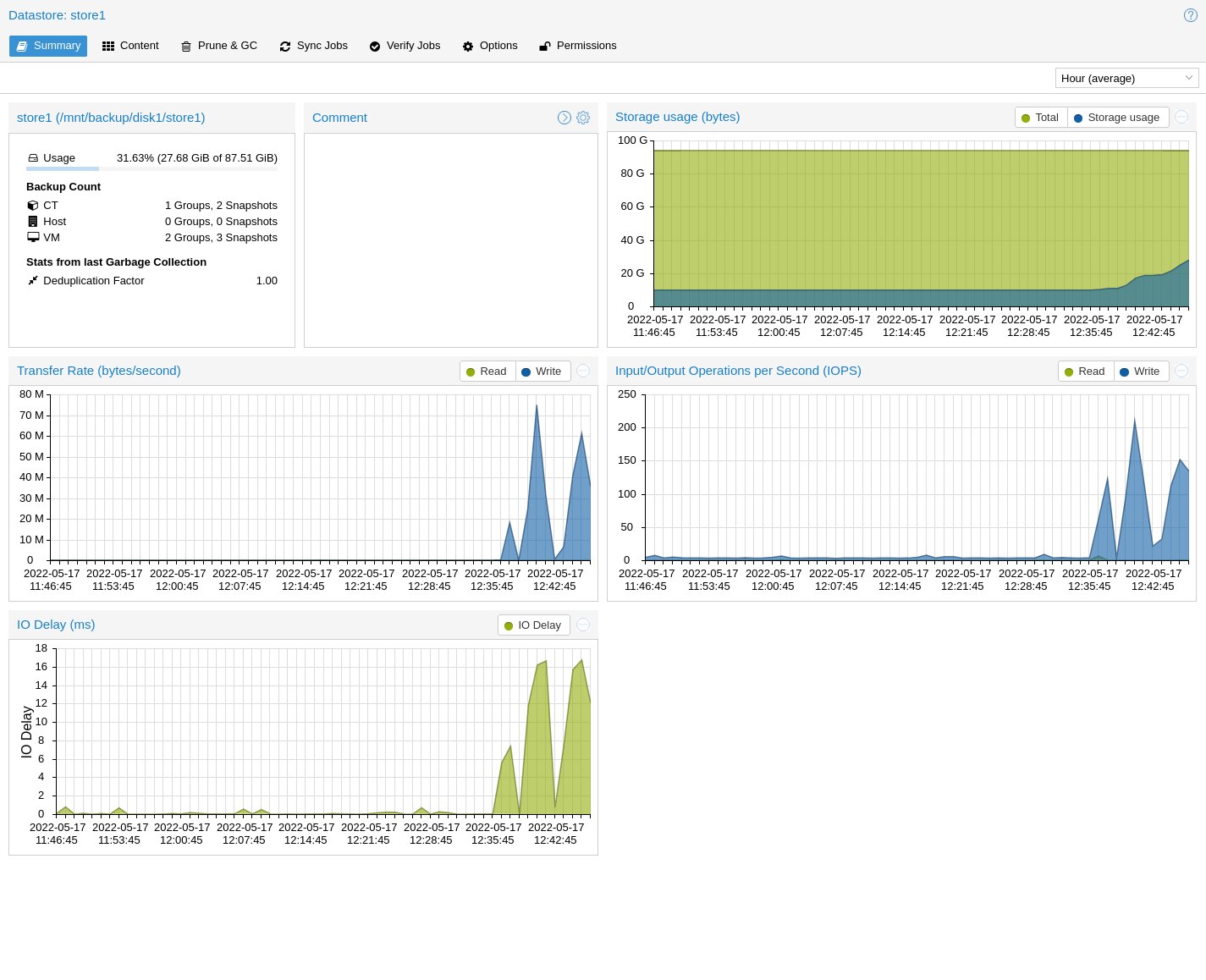
Proxmox Backup Server is a separate product for copies of machines and containers from Proxmox VE. It stores guest disks as chunks, so the next copy takes less space. The panel shows datastores, jobs, retention and transfer.
A snapshot in Proxmox VE lives on the same disk as the machine. PBS sits on another host and another disk. A production server failure then does not delete the only copy.
When you need it
You use PBS when you want to restore a whole machine, a container or a single file, and the copy should be from the last hours, not last month. Retention might keep seven daily, four weekly and three monthly copies. Verify checks that the stored chunks can still be read.
Leave a snapshot for a short test or a patch. PBS does not replace a database dump if you want one table without the whole machine. Then you add a separate dump.
How to set it up
Install PBS on a separate server, not on the production node. In the panel you add a datastore on a disk used only for copies. Create an API user with backup rights, not root.
In Proxmox VE you add storage of type Proxmox Backup Server: address, datastore, user and the certificate fingerprint from the PBS panel. On the machine run a test copy first, then a job outside peak hours.
On the datastore you set how many daily, weekly and monthly copies to keep. Once a day it is worth verifying the latest copy and getting mail when a job fails. You test restore onto another machine, on a test network, not production. Check boot and the application, then delete the test.
A second path, a separate disk, another site or datastore sync, keeps an attack on production off the only copy. Copy layer: data security.
In short: a snapshot is a fast rollback on the same disk. A copy you trust sits somewhere else and has been restored once as a drill.