Data protection starts with a list: what you have, where it lives, who reads it, how long to keep it, how to delete it, how to restore it. Without the list you encrypt the disk and leave a production dump on staging.
The list includes passwords and keys, customer accounts, payment tokens, copies of machines and databases, logs, staging, laptops and agency access. A GDPR leak notification will ask for this list anyway. Better to have it earlier.
How to protect a collection
Disk encryption protects a server taken from the rack. Connection encryption protects the network to the database and to Redis. A named account, MFA and a short session instead of a shared “store” password.
Retention: logs for an agreed time, copies on a schedule. Deleting a customer account does nothing if the backup still holds the row. A copy without a restore test is not protection: you do not know whether it boots.
Where to start in a store
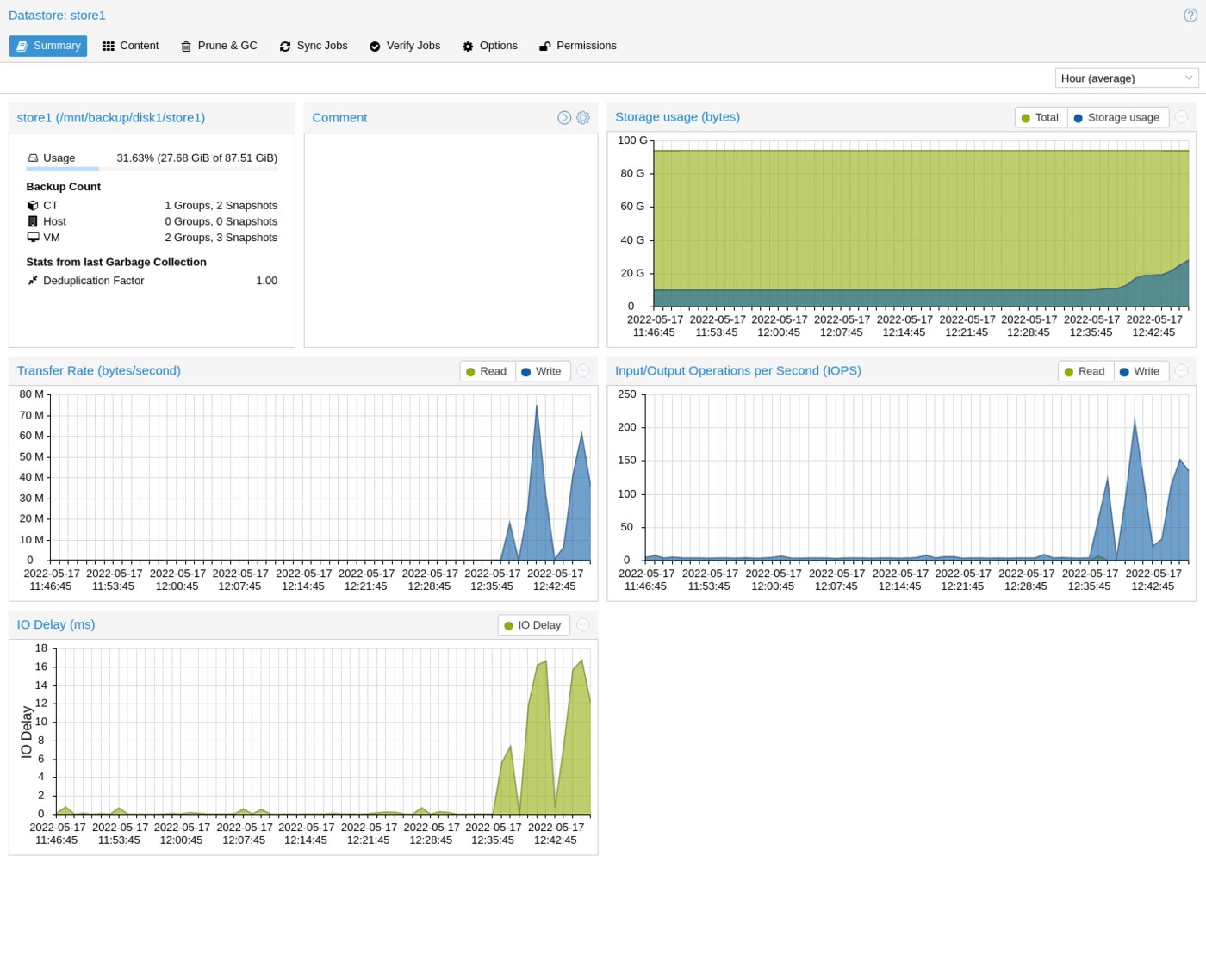
A sheet: collection, place, owner, encryption, who has access, retention, how to delete. For Magento: the customer and order database, Redis with the session, the config file, the photo bucket, the backup datastore.
The machine disk encrypted. A database account only for the store schema, with TLS required. Redis on the internal network, with a password. Git does not hold configuration with passwords. A copy of the machine and the database, retention, restore on a separate network, a staging dump with email and address replaced. Panels behind MFA.
Once a quarter, a review of the sheet and a restore test. Service: data security.
In short: first you know which data you have. Then encryption, access and a copy you have restored once. An encrypted disk with a production dump on staging closes nothing.