From this case study you will learn
- why a database in a container without a volume loses data on restart
- how a stateless service differs from an engine with an InnoDB directory
- how to describe a PersistentVolumeClaim, a drain and a second copy path
- how to exercise restore on a copy of the environment, not on production
The client ran the production database the same way as the API and the worker: as a container. The manifest or compose looked consistent. Restart, rolling update and node drain were ordinary platform operations. After one of those moves the data directory returned to the image state. The application came up. The data did not.
What the client brought
The database engine was described correctly in the config file. What was missing was a place where that file and those data would outlive the container. There was no PersistentVolumeClaim. There was no separate volume on the host. The database sat next to stateless services, so it received the same life cycle.
What the copy looked like
A copy, if it existed at all, sat outside a rhythm. Nobody restored it on a copy of the environment. The team learned about the gap when the pod came back with a new identifier and the directory was empty. Sometimes a dump from a laptop helped. Sometimes it did not.
This was not an engine fault. InnoDB, WAL and the data directory did what they are designed to do. The problem was that state lived in the image writable layer, which disappears with the container.
Why it breaks on restart
A container has a shorter life cycle than a database. A new image, another node, evict, rolling update: each of these moves can wipe the writable layer. The database holds state. State has to sit on a volume with a storage class, an access policy and room to grow.
Platform work, loss of the dataset
An image upgrade, a pod move and a host restart look like ordinary cluster work. For the database they are loss of the dataset if the engine files do not sit outside the container. A restore without a prior test is then a guess, not a procedure.
In the manifest a stateless service and a database look similar: image, port, variables. The difference appears on restart. One comes up empty and that is correct. The other comes up empty and that is an incident.
How we arranged it
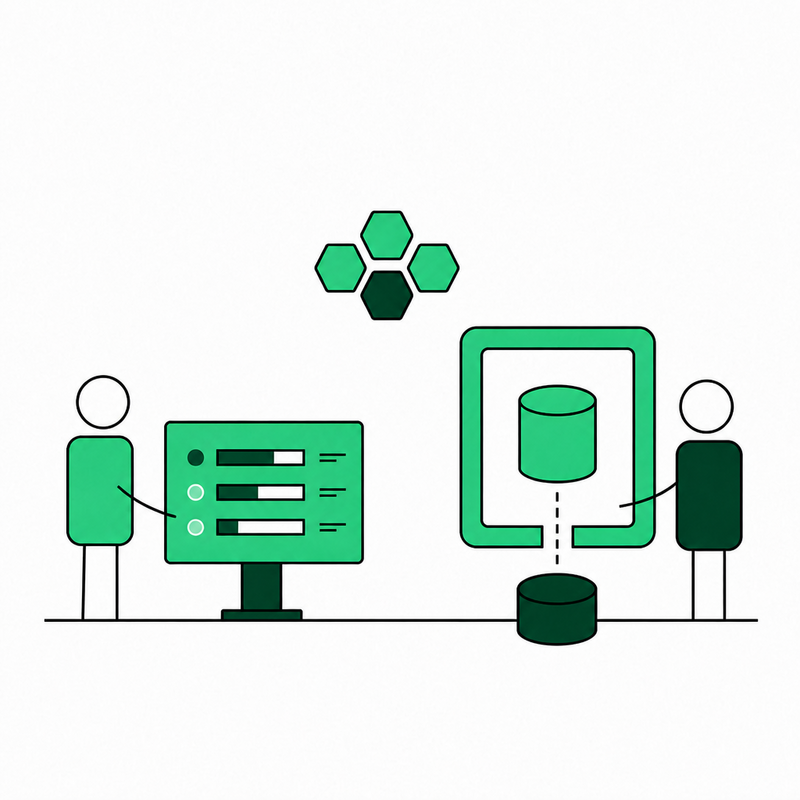
We split the data out of the container path. The database got a volume: a PersistentVolumeClaim, a storage class, size and growth written in the manifest. Deploy and restart do not touch the engine files. A node drain has an order: flush, detach, start on the new node with the same volume.
A second path, not only a PVC
A volume alone does not close the topic. We added a logical dump on the calendar and a volume snapshot. We run restore on a copy of the environment, not on production. RPO and RTO are written down. The upgrade runbook says in which order the pod goes down, how it waits for flush and how it comes back.
A PVC solves surviving a restart. A restore exercise answers whether the copy can be restored at all. Both are in scope, because the client arrived after data loss, not after a missing manifest field.
Result
The database survives a restart, a move to another node and an image swap. The data sits on the volume. The copy has an owner. Restore has a date on the calendar. The same layout is described in the data security service.
Summary
A database in a container is acceptable when state sits on a volume and the copy has an exercise. Treating the engine like a stateless worker ends with an empty directory at a moment that, from the platform’s point of view, looks like success.
Write to us